Paid Live Streams for Members: How to Set Up Access
Paid live streams for members give your most committed fans a reason to show up at a set time, every week, and a reason to keep paying between shows. A live Q&A, a studio session, a monthly workshop: each one becomes something only members can watch, on a page you control. Setting it up comes down to a few decisions about access, pricing, and delivery, and one piece of arithmetic most guides skip, which is how much video your members will actually pull through the pipe.
How do paid live streams for members work?
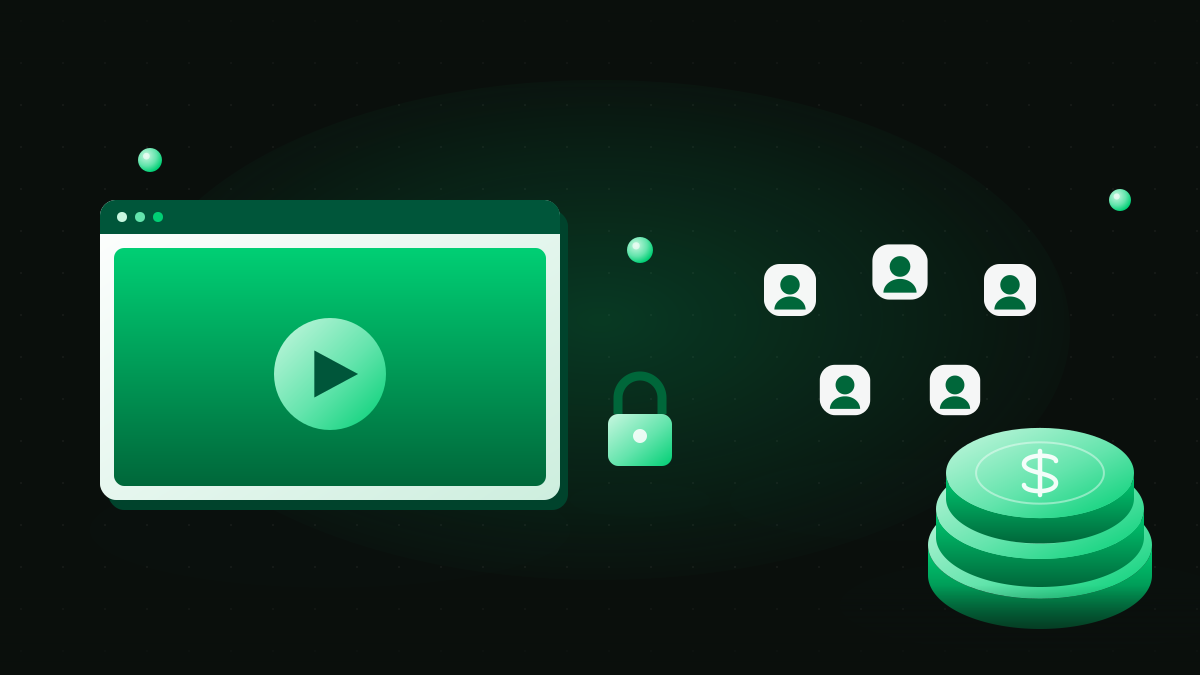
A paid live stream for members is a broadcast that only signed-in, paying members can watch. Three parts make it work. First, a video pipeline: your camera or streaming software sends the feed to an ingest server, which repackages it into short video segments that a player in the browser or app can fetch. Second, an access check that runs before the player loads, confirming that the person on the page holds an active membership or a ticket for this show. Third, protected playback, usually links that expire or are signed per viewer, so the video address cannot be pasted into a group chat and watched by anyone. The access check is the part that ties live video to fan subscriptions: the same membership record that unlocks your posts and your library also unlocks the stream, so there is one list of who has paid, and it is yours.
The common mistake is to treat the stream and the membership as two separate tools joined by a shared password. Passwords travel. A membership check does not.
Should live access be a subscription or a one-off ticket?
Both models work, and they suit different shows. The table sets them side by side.
| Model | How members pay | Best for | Watch out for |
|---|---|---|---|
| Included in a membership tier | Live access is part of a monthly or annual plan | Regular shows on a fixed schedule | Skipped weeks feel like a broken promise |
| Higher tier only | Base members get posts; a top tier adds every live session | Smaller, closer sessions such as workshops or coaching calls | The top tier has to feel worth the step up every month |
| Pay-per-view ticket | One payment for one broadcast | Occasional events, premieres, a one-night performance | Each show starts from zero buyers |
| Ticket plus member discount | Members pay less, or nothing, and everyone else buys a ticket | Big events that should also recruit new members | More settings to keep straight at checkout |
For recurring revenue, the subscription models win, because the second show is already paid for before you announce it. Tickets are a better fit for rare, large moments, and they work best as a doorway: someone who bought one show is the easiest person to invite into a membership. If you are still working out tier prices, our guide to pricing digital subscriptions covers the trade-offs between monthly and annual plans.
How do you set up fan subscriptions and paid access for live broadcasts?
The order matters more than the tools. Build the membership first and put the stream inside it, not the other way around.
- Decide which tier unlocks live access. Write it into the tier description in plain words, including how often you go live.
- Create one page for the stream behind the membership check. A single, permanent page for "Live" means members always know where to go, and you never send a new link each week.
- Keep the video itself private. Set the stream to private or unlisted at the video host, and use signed or expiring playback links if your setup offers them, so the address alone is useless outside the members page.
- Test with two accounts. Sign in once as an active member and once as a lapsed or free member, and confirm the second one sees the join page rather than the video.
- Announce on a schedule you can keep. Email members a day ahead and again when you go live; the email list is yours, so the reminder reaches every member rather than a slice of them.
- Save the replay to your library. Members in other time zones get the show, and the archive becomes a reason to join long after the broadcast ends.
If you are adding subscriptions to a site you already run, how to add subscriptions to your website walks through the billing side. Teams wiring their own player can check membership status through the events a billing system sends; our guide to membership APIs and webhooks covers that pattern.
How much data does a members-only live stream use?
This is the number that decides whether your setup holds up on a busy night, and it is simple to work out. Apple's HLS authoring specification publishes a sample bitrate ladder for streaming video: 640 x 360 at 365, 1280 x 720 at 3,000, and 1920 x 1080 at 6,000, in kilobits per second, the unit the rest of the specification uses. HLS itself is the open protocol documented in RFC 8216, and it is how most live video reaches phones and browsers.
Turn those rates into data per viewer for a one-hour show. At 720p, 3,000 kilobits a second for 3,600 seconds is 10.8 million kilobits, or 1.35 GB per viewer-hour. At 1080p it doubles to 2.7 GB. The 360p rung, the one a viewer on a weak connection drops to, comes to about 164 MB.
Now scale it to a community. Two hundred members watching a one-hour show at 720p pull 270 GB between them. At 1080p the same show is 540 GB. Run that 1080p show every week for a month and it adds up to 2,160 GB, a little over 2 TB, before a single replay is played.
Two things follow. Adaptive streaming moves each viewer up and down the ladder with their connection, so these figures are a ceiling rather than a forecast. And replays count too: a member who watches the archive on Sunday pulls the same data as one who watched live. When you compare video hosting plans, ask how delivery is measured, then run your own member count through the arithmetic above.
How do you keep a live show close to real time?
Live chat is half the value of a members-only stream, and delay is what spoils it. A member asks a question, and by the time it reaches you the conversation has moved on.
The delay comes from how streaming video is packaged. Apple's specification recommends media segments of nominally 6 seconds, and RFC 8216 tells a player not to start on a segment less than three target durations from the end of a live playlist. With 6-second segments, that puts a viewer at least 18 seconds behind the room. The specification's Low-Latency HLS mode splits segments into smaller parts, with a recommended part target duration of one second, which narrows the gap considerably when your host supports it.
You can also design around the delay. Collect questions in the chat during the first part of the show and answer them in a block, rather than reacting line by line. Say out loud that there is a short lag. For sessions where back-and-forth is the whole point, such as small coaching calls, a video meeting room inside the members area does the job better than a broadcast pipeline.
What turns a live show into recurring revenue?
A schedule. Members renew for something they can count on, and "every Thursday at 7 p.m." is a stronger promise than any single stream.
Pair the live session with things that keep members around between shows: the replay library, a members-only chat thread for each episode, a short written recap for anyone who missed it. Each one gives a reason to open the members area on a day you are not live. Over a year, the archive grows into its own asset, and new members join for the back catalog as much as for next week's show. Our fan engagement playbook has more ways to keep that rhythm going.
Ownership is what makes the effort compound. When the stream sits on your own domain, the member list, the payment records, and the replay archive all stay with you, and every show adds to a business you control rather than to a channel you rent.
Turn your community into recurring revenue on a platform you own. Apply to work with Kulcho
Turn this into recurring revenue you own.
Kulcho runs the checkout on your own domain, so the relationship is yours to keep.
Newsletter
Get insights in your inbox.
Related Articles